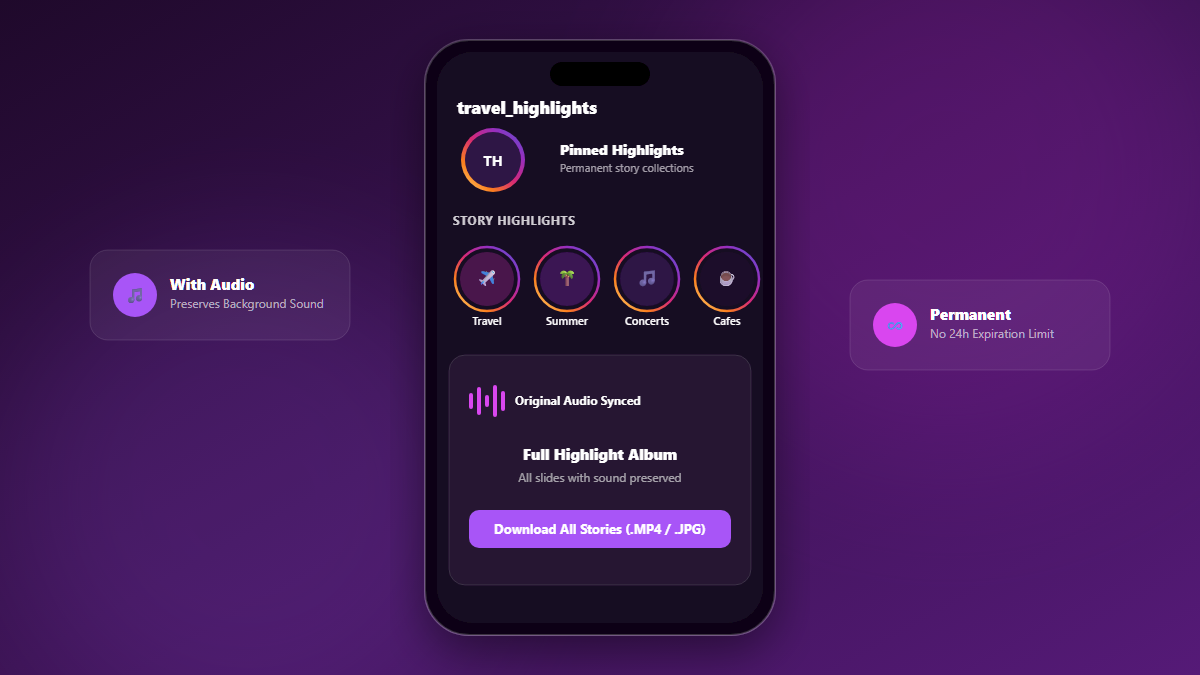
Unlike ephemeral 24-hour stories, Instagram Story Highlights are permanently pinned to a user's profile header. They often contain curated vacation albums, business portfolios, tutorials, and memorable moments. Saving them with audio preserved is a common requirement for content creators and archivists.
1. How Story Highlights Differ from Stories
While normal stories are grouped under an ephemeral tray, Highlights are organized into custom collections (reels) indexed by specific numeric highlight IDs. Instagram generates links in formats like /s/aGlnaG... or /stories/highlights/17963199440339528/.
3. How to Save Highlights with Audio
Simply tap the Highlight bubble on any public profile, copy the share link, and paste it into Grabix Highlights Downloader. Grabix decodes the highlight container and serves every individual slide with full video audio intact.