Key Takeaway
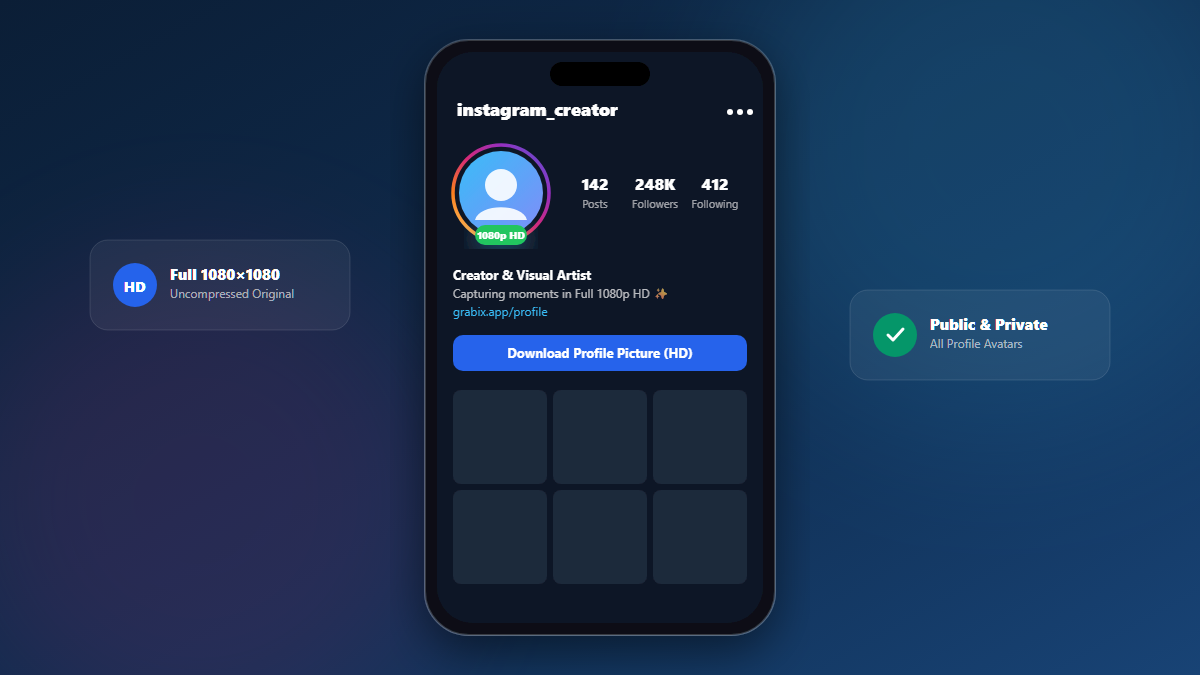
Instagram stores avatars up to 1080x1080 pixels even though the mobile app only renders a 150x150 or 320x320 circle.
Instagram profiles only allow you to view a small circular avatar thumbnail (usually scaled to 150x150 on mobile feeds, or 320x320 on profile headers). If you try to tap or pinch-to-zoom on someone's avatar, the app often won't expand it or will display a heavily pixelated version. However, Instagram's backend actually retains the user's original upload up to 1080x1080 pixels.
1. Why the App Only Shows Low Resolution
To conserve mobile bandwidth and render feeds smoothly at 60fps, Instagram automatically requests thumbnail variants with the "stp=dst-jpg_s150x150" and "s320x320" query parameters. The full uncompressed image exists on the CDN but requires querying the profile's high-definition asset info.
Grabix Full HD Engine
Grabix's Profile Downloader queries the original uncompressed profile graph, retrieving the full 1080x1080 image (up to 200 KB) rather than the standard 19 KB thumbnail.
3. How to Download the HD Profile Picture
1
Copy the Username or Profile URL
You can use either the full URL (e.g., https://www.instagram.com/username/) or simply the username handle (e.g. @username).
2
Paste into Grabix Profile Downloader
Paste it on the Grabix Profile tab and tap Download.
3
Save the Full HD JPG
Click "Download Full HD Profile Picture" to save the high-resolution avatar file directly to your device.