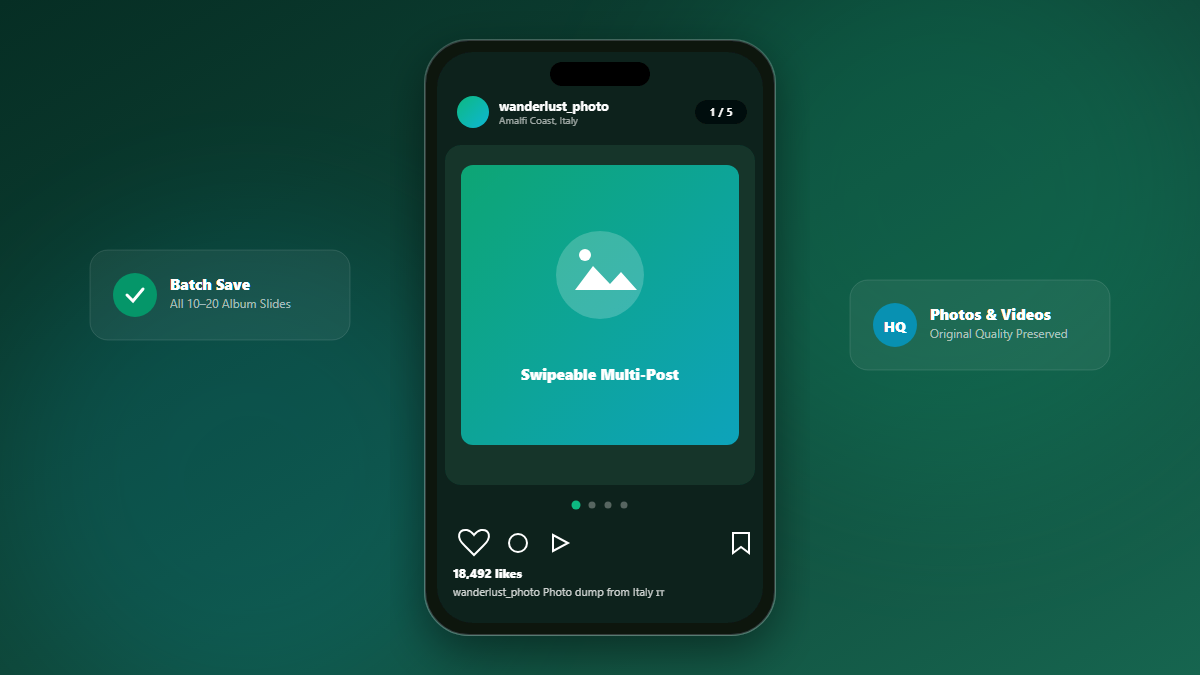
Carousels allow creators to share up to 10 (and recently up to 20) photos or video clips in a single swipeable post. Whether it's a travel photo dump, a multi-page graphic design infographic, or an event recap, saving each slide individually is frustrating when using standard downloaders that only recognize the first photo.
1. What Are Instagram Carousel Posts?
Instagram carousels (technically referred to as "sidecar" media) bundle multiple media nodes into a single shortcode URL. Standard scrapers only parse the primary thumbnail, completely ignoring slides 2 through 20.
3. How to Save Every Slide with Grabix
Grabix automatically detects carousel posts and unpacks every single slide into an interactive gallery slider. You can swipe between all items, review them, and click the dedicated download button for each individual photo (JPG) or video (MP4) in full fidelity.